
What Is Errorless Learning? A Special Education Teacher's Guide
By Natalie · Special Education Teacher · July 19, 2026
Errorless learning is a teaching approach where prompts and materials are arranged so the student responds correctly from the very first trial, instead of learning through trial and error. Rather than letting a student guess and get it wrong, you set the task up, through prompting, limited choices, or material design, so the correct answer is essentially guaranteed, then gradually remove that support as the student gets independent.
Why errorless learning works so well for autism and ABA
Getting an answer wrong isn't just unpleasant, for many students it's actively unhelpful to learning, because a wrong response can get practiced and reinforced right alongside the correct one. Errorless learning avoids that risk entirely: the student only ever practices being right, which builds confidence, reduces frustration and problem behavior tied to failure, and speeds up acquisition of new skills. It's a foundational strategy in ABA-based instruction, and it's part of why so many autism classroom materials, including file folder games and task boxes, are designed the way they are.
The prompting hierarchy
Errorless learning relies on a prompting hierarchy, a ranked set of supports from most help to least:
- Full physical prompt. Hand-over-hand guidance to the correct response.
- Partial physical prompt. A light touch or nudge toward the correct answer.
- Model prompt. Demonstrating the correct response for the student to imitate.
- Gestural prompt. Pointing toward or near the correct answer.
- Verbal prompt. A spoken hint, from a full verbal cue down to a single word.
- Independent response. No prompt at all.
You start at whatever level guarantees success, then move down the list over sessions, always fading toward independence rather than adding more support once a student starts making errors.
Running errorless file folder games and task boxes
File folder games and task boxes are naturally suited to errorless teaching because the materials themselves can carry the support:
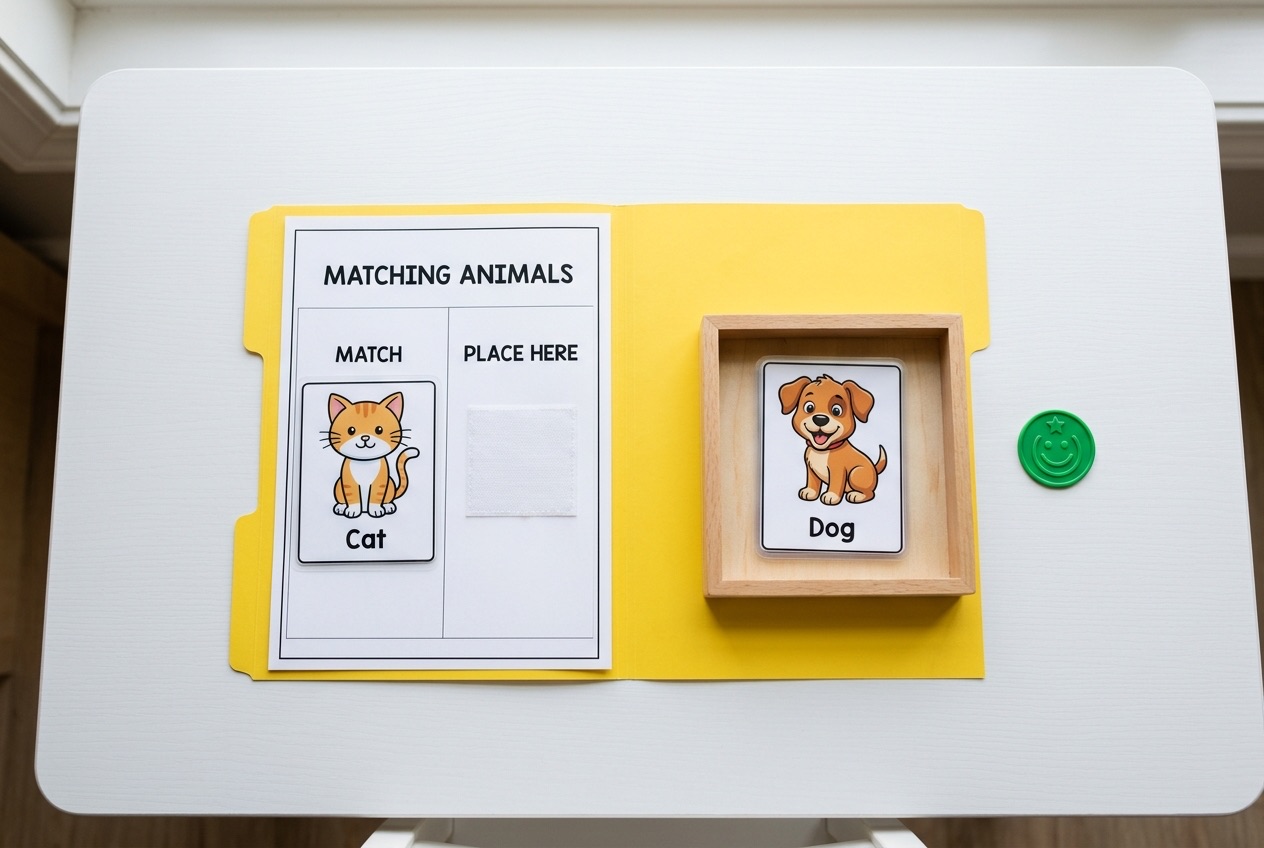
- Start with a field of one. Give the student only one piece and one matching spot, so there's nowhere to go but correct, then add distractors once that's solid.
- Use matching cues. Color-code or shape-code the target and the piece so the correct match is visually obvious at first, then fade the cue.
- Prompt immediately, don't wait for an error. If a student pauses or reaches for the wrong piece, prompt right away rather than letting them guess and get it wrong.
- Reinforce the correct response every time, especially early on, so the student clearly connects the correct answer with success.
If you're setting up task boxes from scratch, How to Set Up Task Boxes for Independent Work covers the structure that makes this kind of errorless, one-clear-job design possible in the first place, and File Folder Games for Autism covers the same idea for matching folders.
Fading the prompt over time
The whole point of errorless learning is that the support doesn't stay forever. Track how independently a student is responding, and when they're consistently correct at one prompt level, drop to the next lightest prompt at your next session rather than waiting for them to plateau. Fading too fast can lead to guessing and errors, fading too slow can create prompt dependence, so watch the data and move one step at a time.
Where errorless design shows up in matching materials
A lot of the value of a well-made matching or discrimination activity is in how much errorless support is already built into the design, through field size, distractor difficulty, and visual cues. Visual Discrimination Activities for Special Education goes deeper into how discrimination difficulty is built and adjusted, which is the other half of designing a truly errorless task.
Where to find ready-made errorless materials
Printable autism tasks and file folder games are built with this kind of errorless-friendly structure in mind: a clear target, an obvious first match, and room to add distractors as a student is ready for more challenge.
What errorless learning looks like in practice
Picture a student learning to match colored chips for the first time. In an errorless setup, you'd hand the student the red chip while pointing directly at the red target, essentially guaranteeing a correct placement, then immediately praise the response. Over the next several trials, the point becomes lighter, then disappears, then a second color chip gets added as a distractor, then a third. At no point does the student sit and guess between options they haven't been taught yet. Compare that to a trial-and-error approach, where the student is handed all three chips from the start and has to work out the right answer through mistakes, which is exactly the pattern errorless learning is designed to avoid.
Common mistakes with errorless teaching
A few habits undercut errorless learning even when the intent is right:
- Adding distractors too fast. If a student starts making errors again after you increase the field size, that's a sign you moved too quickly, not a sign the student needs more drilling at the harder level.
- Prompting after an error instead of before. Once a student has already responded incorrectly, that error can get practiced. The goal is to prevent the wrong response, not correct it after the fact.
- Never fading the prompt. Errorless learning is meant to be temporary scaffolding. If a student is still getting a full physical prompt on a skill they've done successfully for weeks, it's time to test a lighter prompt.
- Using it forever, for everything. Errorless learning is extremely effective for acquiring new skills, but at some point students also need practice tolerating uncertainty and making an occasional mistake, so it's a tool for the acquisition phase, not the only way a student ever practices.
Where to start
Pick one task your student is currently getting wrong more often than right, and rebuild it with a field of one and a strong prompt, then fade from there. That single fix often does more for a student's confidence than any amount of new material.
Looking for more? Browse all Guides & Resources, or contact us with questions.